

Close Menu
  • Electronics
    • Computers & Laptops
    • Smartphones & Tablets
    • Headphones & Earbuds
    • Sound and Audio
    • Smartwatch
    • Cameras And Lenses
    • Streaming
    • TV
    • Gaming
    • Gadgets
    • Robotic Vacuum Cleaners
    • Vacuum Cleaners
    • Drones
    • Apple
    • Printers
    • Batteries
  • Fashion
    • Nike
    • Adidas
  • Beauty
    • Skin Care
    • Hair Care
    • Makeup
  • Lego and Toys
    • Lego
    • Toys For Young Kids
    • Pokemon
  • Home
    • Kitchen
    • Furniture And Decor
    • Bedroom
    • Lamps
    • Power Tools
    • Appliances
  • Health and Fitness
    • Fitness
    • Vitamins And Probiotic Supplements
    • Health
  • Amazon
  • Holidays

Subscribe to Updates

Get the latest creative news from FooBar about art, design and business.

What's Hot

An Aging TV Doesn’t Always Need Replacing. Tech Experts Explain When a Smaller Upgrade Is Enough.

November 24, 2026

Your Grocery Bill May Be Higher Because of These 5 Common Mistakes

November 23, 2026

Stop Washing Food Scraps Down the Sink Before a Cheap Habit Becomes an Expensive Repair

November 19, 2026
Facebook X (Twitter) Instagram
Smart CartingSmart Carting
  • Electronics
    • Computers & Laptops
    • Smartphones & Tablets
    • Headphones & Earbuds
    • Sound and Audio
    • Smartwatch
    • Cameras And Lenses
    • Streaming
    • TV
    • Gaming
    • Gadgets
    • Robotic Vacuum Cleaners
    • Vacuum Cleaners
    • Drones
    • Apple
    • Printers
    • Batteries
  • Fashion
    • Nike
    • Adidas
  • Beauty
    • Skin Care
    • Hair Care
    • Makeup
  • Lego and Toys
    • Lego
    • Toys For Young Kids
    • Pokemon
  • Home
    • Kitchen
    • Furniture And Decor
    • Bedroom
    • Lamps
    • Power Tools
    • Appliances
  • Health and Fitness
    • Fitness
    • Vitamins And Probiotic Supplements
    • Health
  • Amazon
  • Holidays
Smart CartingSmart Carting
Home»Uncategorized»An Aging TV Doesn’t Always Need Replacing. Tech Experts Explain When a Smaller Upgrade Is Enough.
Uncategorized

An Aging TV Doesn’t Always Need Replacing. Tech Experts Explain When a Smaller Upgrade Is Enough.

Shane RoweBy Shane RoweNovember 24, 2026No Comments5 Mins Read
Share Facebook Twitter Pinterest LinkedIn Tumblr Reddit Telegram Email
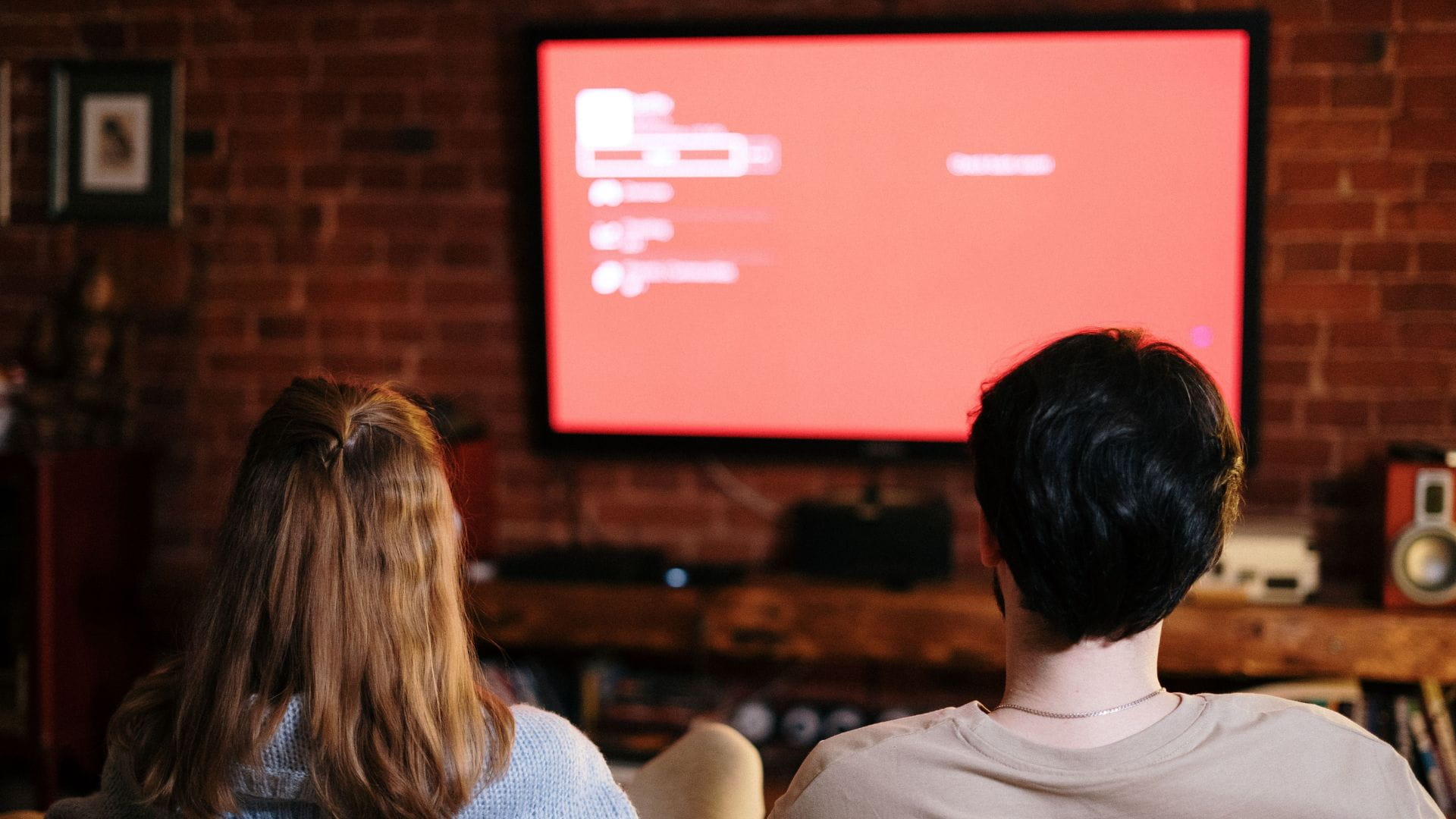
Two people on a couch watching a wall-mounted TV.
Source: Pexels
Share
Facebook Twitter LinkedIn Pinterest Email
Two people on a couch watching a wall-mounted TV.
Source: Pexels

Your TV may still look good, but every button press seems to land a beat late, and your streaming apps are slow to show up. Before you start shopping for a new set, it helps to work out whether the screen or the software is the problem. If it is the software, the fix could be far smaller, and far cheaper, than replacing the whole television.

Start with the screen. Jitesh Ubrani, director of consumer devices research at IDC, says people who are happy with their TV’s size and picture quality are better off buying a new streaming device. For the software side, Yahoo TV tester Chris McGraw suggests a simple test. If the set takes ten seconds to react to a remote press, its built-in software may be due for an upgrade.

A streaming stick is basically a tiny computer. It plugs into the TV and runs its own software on top of the built-in system. Your apps get laid out neatly and often open much faster than they would on an older set. Yahoo Tech put sticks at roughly $30 to $90 as of August, a modest bill next to the cost of a new screen.

What a Stick Can Fix
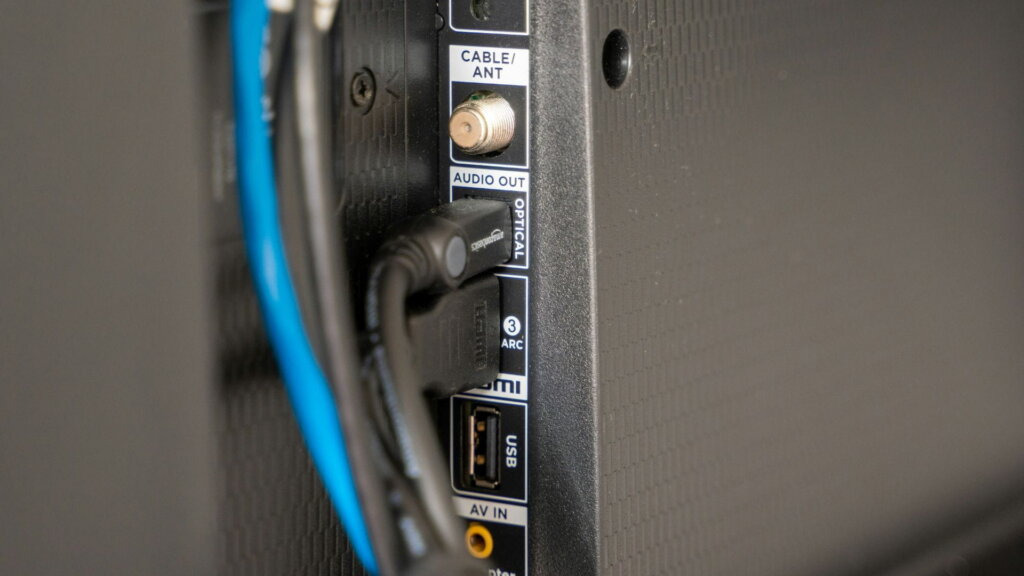
HDMI and optical cables plugged into the back of the TV.
Source: Unsplash

Older smart platforms tend to fall behind as software moves on, and streaming apps can stop getting updates. A stick in a spare HDMI port can mean a quicker interface, current services and voice search, according to Guardian technology writer Steve May. Your TV likely has a spare USB port that can power it, so there may be no extra cable running to a wall socket.

A stick also helps in a home with more than one TV, where each set can run different software. David Davis, owner of Davis Audio & Video in Chicago, says his installers always recommend streaming boxes for clients’ TVs, mainly for a consistent interface across every device. Put the same streamer on each set and the living room and bedroom TVs behave alike, whatever brand is stamped on the front.

Newer streamers can also double as a smart home screen, and Ubrani lists smart home control and AI features among the extras. As of Yahoo’s August rundown, a Fire TV stick could show a Ring camera feed, and a Google TV Streamer could show cameras and control lights through Google Home. Roku worked with its Roku Home app, and Apple TV 4K streamers offered HomeKit access.

When a Stick Isn’t the Answer

Glitchy TV screen with colorful distorted lines and black gaps.
Source: Unsplash

Even a good stick has limits. A 4K streamer will not turn an HD TV into a 4K set, and no stick can fix burn-in, dead pixels, or a dim screen. Yahoo Tech’s Amy Skorheim says grayish blotches, glowing corners, or dark patches that never light up probably mean it is time for a new set. So does wanting the sharper detail of 4K when you currently own a 1080p TV.

Plenty of other reasons to buy a new TV hold up. A set that took a fall and now shows a distorted image is an easy call. A chunky design with a wide bezel, a look May says is not coming back, is another understandable reason to move on. And May, who says he loves OLED screens, will not argue with anyone set on buying one.

Some picture complaints might not need new hardware, and May has a few free fixes. Moving lamps that reflect in the screen and swapping harsh overhead lights for a soft glow behind the TV can help. An LED TV that looks gray in a dim room may look better with some ambient light, since blacks keep looking black. If colors look washed out, switching the Standard preset to Dynamic or Vivid may liven things up.

Choosing a Stick and When to Buy
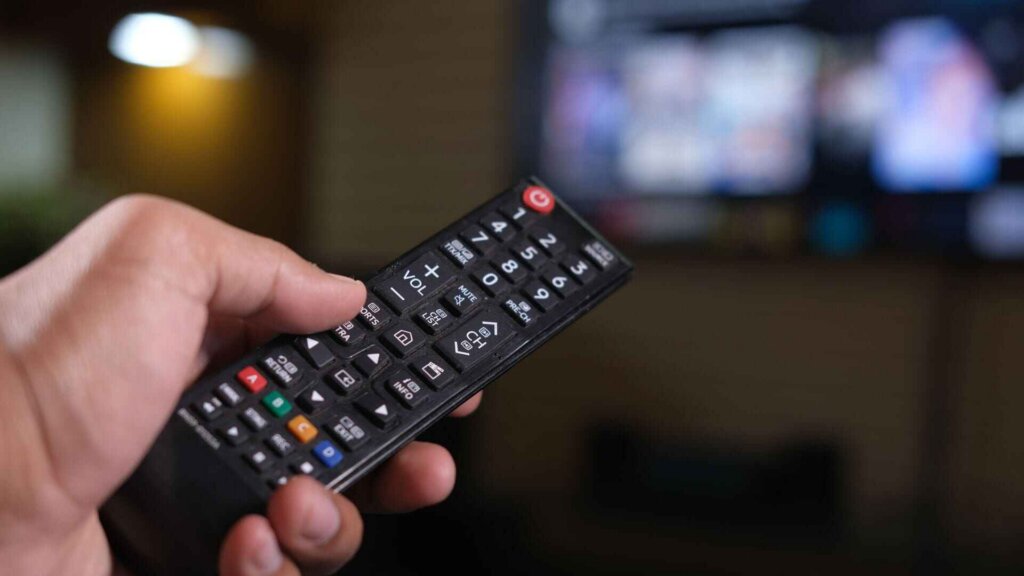
Hand holding a TV remote pointed toward a blurry screen.
Source: Pexels

Matching the stick to the screen matters for the budget. Skorheim says an HD model from Roku or Amazon may make more sense on an HD TV, since the extra resolution would go to waste on a screen that cannot show it. Both brands had at least four models as of August, which is where the bargains were. Apple and Google each had one high-end 4K streamer, priced at $200 and $100.

Waiting has a cost. Yahoo Tech’s August report noted that Roku had just raised prices across its streaming lineup and that Apple’s streamer went up by $70 after its price hike. Google held its MSRP, and Amazon’s Fire TV price tags looked unchanged. Ubrani said it is safe to assume streaming devices will face price increases because of component shortages, and he recommended buying sooner rather than later.

McGraw’s own experience shows how low the risk can be. He put a Fire TV Stick HD on one TV and a 4K Max on a slow, crash-prone 4K set in his basement. Either could go back if it did not help, but both made a big difference and saved him hundreds of dollars. A stick does not replace internet service or subscriptions. For some aging sets, though, one small upgrade may be enough.

Format_Listicle longform Pages_1 Pitcher_BC Writer_Shane
Share. Facebook Twitter Pinterest LinkedIn Tumblr Email
Previous ArticleYour Grocery Bill May Be Higher Because of These 5 Common Mistakes
Shane Rowe

Related Posts

Uncategorized

Your Grocery Bill May Be Higher Because of These 5 Common Mistakes

November 23, 2026
Uncategorized

Stop Washing Food Scraps Down the Sink Before a Cheap Habit Becomes an Expensive Repair

November 19, 2026
Uncategorized

5 Problems That Are Making Kroger Harder to Shop At, Customers Say

November 18, 2026
Add A Comment
Leave A Reply Cancel Reply

Demo
Top Posts

36 Favourite Coffee Bar Items to Create a Buzz-Worthy Coffee Station at Home

August 21, 2024393 Views

40 Must-Have Tech Gadgets For Back-To-School

August 7, 2024296 Views

Car Hooks Showdown: Plastic vs. Alloy – A Comprehensive Comparison

March 27, 2024210 Views
Stay In Touch
  • Facebook
  • YouTube
  • TikTok
  • WhatsApp
  • Twitter
  • Instagram
Latest Reviews
85
Featured Reviews

Pico 4 Review: Should You Actually Buy One Instead Of Quest 2?

adminJanuary 15, 2021
8.1
Featured Reviews

A Review of the Venus Optics Argus 18mm f/0.95 MFT APO Lens

adminJanuary 15, 2021
8.9
Featured Reviews

DJI Avata Review: Immersive FPV Flying For Drone Enthusiasts

adminJanuary 15, 2021

Subscribe to Updates

Get the latest tech news from FooBar about tech, design and biz.

Demo
Quick Links
  • About us
  • Privacy Policy
  • Terms and conditions
  • Contact Us
Most Popular

36 Favourite Coffee Bar Items to Create a Buzz-Worthy Coffee Station at Home

August 21, 2024393 Views

40 Must-Have Tech Gadgets For Back-To-School

August 7, 2024296 Views

Car Hooks Showdown: Plastic vs. Alloy – A Comprehensive Comparison

March 27, 2024210 Views
Our Picks

An Aging TV Doesn’t Always Need Replacing. Tech Experts Explain When a Smaller Upgrade Is Enough.

November 24, 2026

Your Grocery Bill May Be Higher Because of These 5 Common Mistakes

November 23, 2026

Stop Washing Food Scraps Down the Sink Before a Cheap Habit Becomes an Expensive Repair

November 19, 2026

Subscribe to Updates

Get the latest creative news from FooBar about art, design and business.

Facebook X (Twitter) Instagram Pinterest
  • Home
  • Buy Now
© 2026 ThemeSphere. Designed by ThemeSphere.

Type above and press Enter to search. Press Esc to cancel.