

Close Menu
Smart Carting
    Facebook
    Smart CartingSmart Carting
    • Electronics
      • Computers & Laptops
      • Smartphones & Tablets
      • Headphones & Earbuds
      • Sound and Audio
      • Smartwatch
      • Cameras And Lenses
      • Streaming
      • TV
      • Gaming
      • Gadgets
      • Robotic Vacuum Cleaners
      • Vacuum Cleaners
      • Drones
      • Apple
      • Printers
      • Batteries
    • Fashion
      • Nike
      • Adidas
    • Beauty
      • Skin Care
      • Hair Care
      • Makeup
    • Lego and Toys
      • Lego
      • Toys For Young Kids
      • Pokemon
    • Home
      • Kitchen
      • Furniture And Decor
      • Bedroom
      • Lamps
      • Power Tools
      • Appliances
    • Health and Fitness
      • Fitness
      • Vitamins And Probiotic Supplements
      • Health
    • Travel
    • Amazon
    • Holidays
    Facebook
    Smart Carting
    Home » Blog » 30 tips and hacks to never paying full price on Amazon again » Page 10

    30 tips and hacks to never paying full price on Amazon again

    adminBy adminApril 23, 2023

    Products are selected by our editors, we may earn commission from links on this page.

    Credit: Amazon

    21. Easily get a refund if you forget to cancel your Prime free trial

    Earlier in this slideshow, we spoke some about utilizing the 30 day free trial for Amazon Prime. For people who only rarely order things from the website, it can be a useful way of getting in on the Prime benefits for one month out of the year. To make things the most smooth, you can even turn off the auto-renew for the Prime membership after starting the trial. In other words, once the 30 day trial begins, you can immediately set it to not charge you at the end of the 30 days. You can then enjoy all of Prime’s benefits until the end of that 30th day.

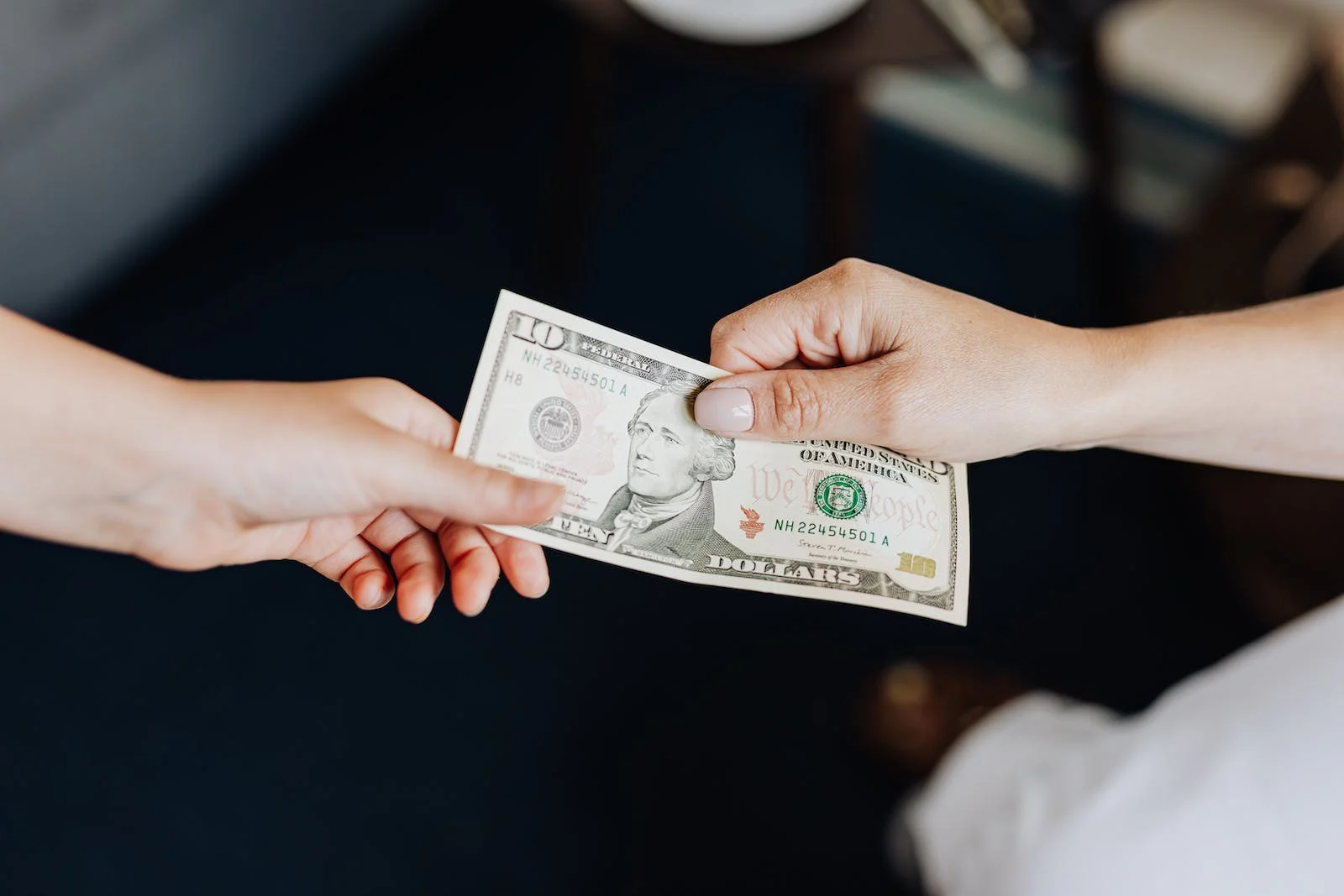
    But what happens if you forget to do this? Say you don’t turn off the auto-renew option and the expiration date creeps up on you faster than you wanted. Maybe you had zero plans to start a membership with Prime, only wanting to use the 30 day trial and that’s it. Now you have a charge of about a hundred bucks coming out of your bank account, which is pretty hefty just for forgetting to turn off the auto-renew option.

    Fortunately, this is a mistake which is very easy to fix. Don’t feel like you’re stuck with Prime and out a hundred bucks. Amazon’s process for reversing this charge is very painless, requiring only a quick message to their customer support. Rather quickly, they will reimburse you for the entire charge, though you will obviously lose your access to Prime at the same time.

    [nextslide teaser=”Subscribe and save” slider=”true” /]

    1 2 3 4 5 6 7 8 9 10 11 12 13 14 15 16 17 18 19 20 21 22 23 24 25 26 27 28 29 30
    Share. Facebook Twitter Pinterest LinkedIn Tumblr Email
    admin
    • Website

    Add A Comment
    Leave A Reply Cancel Reply

    Quick Links
    • About us
    • Privacy Policy
    • Terms and conditions
    • Contact Us

    Subscribe to Updates

    Get the latest creative news from FooBar about art, design and business.

    Type above and press Enter to search. Press Esc to cancel.